Dashboard Login
Enter your username and password and click the "Sign In" button.
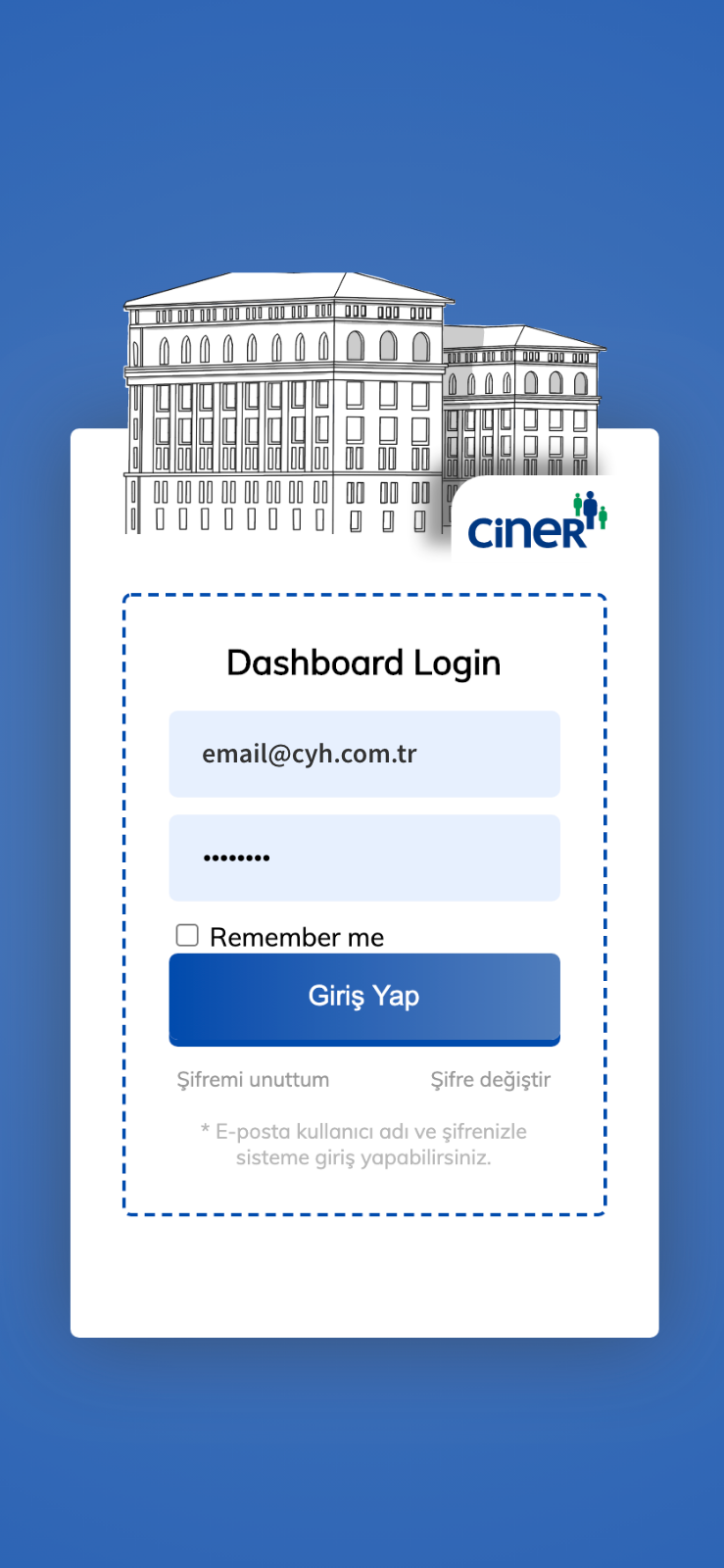
Enter your username and password and click the "Sign In" button.
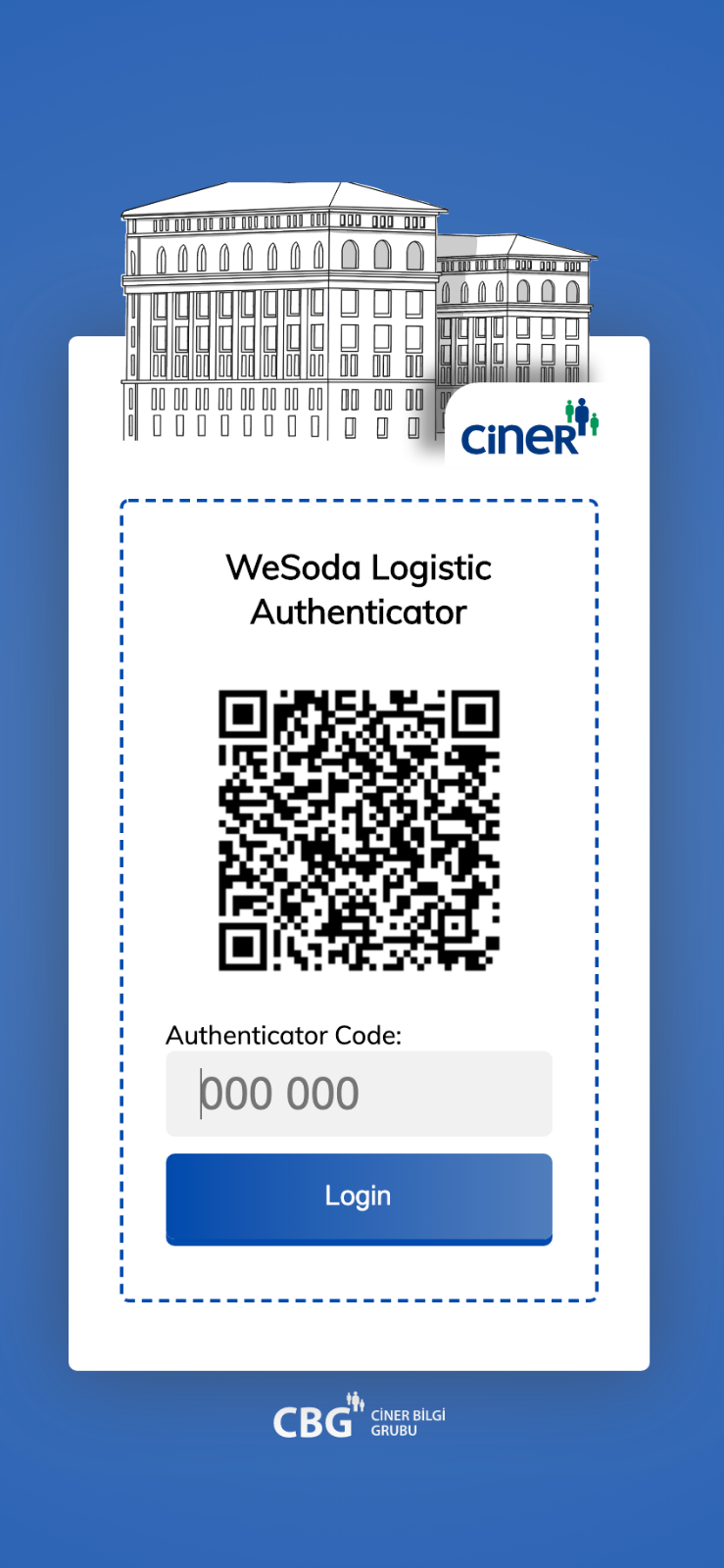
After logging in, a QR code will be generated on the screen.
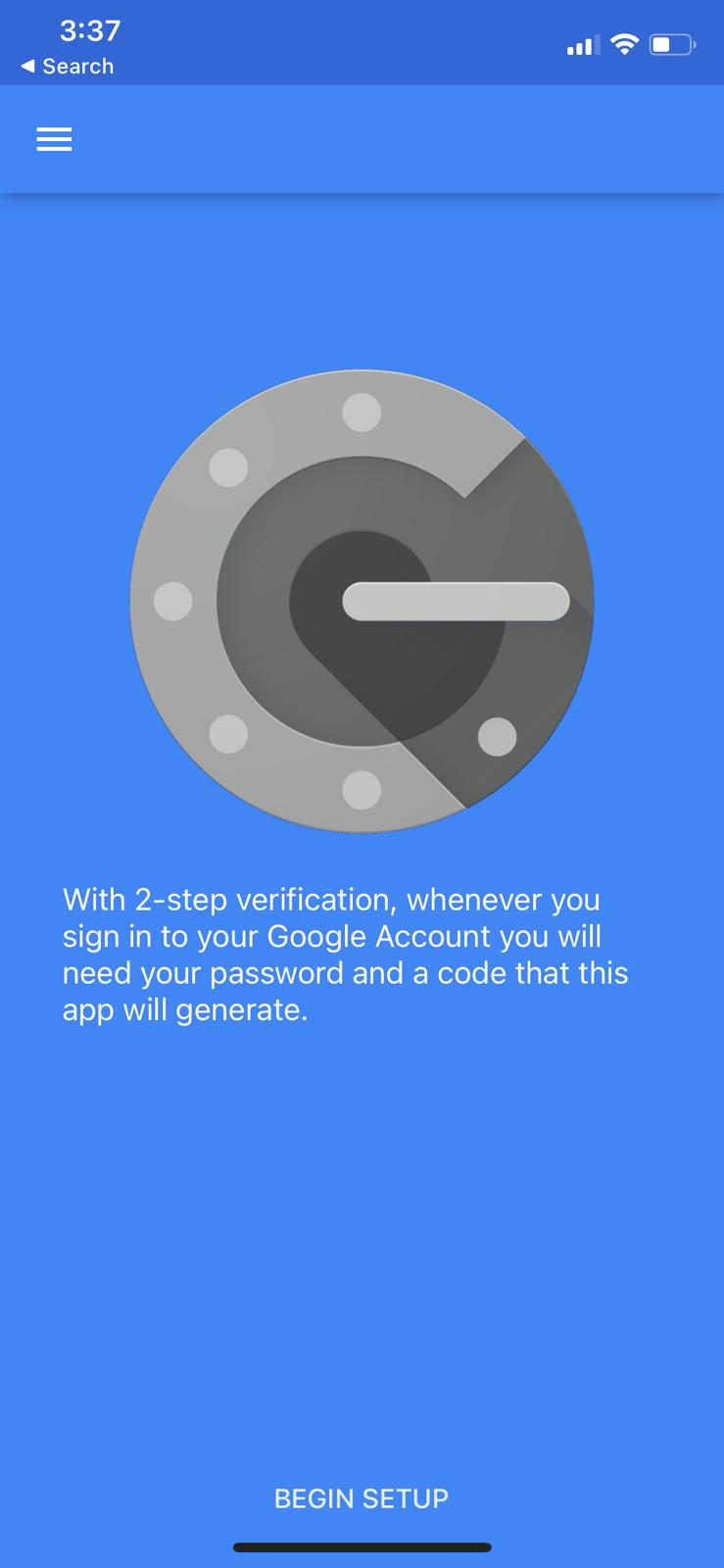
Download the Google Authenticator application on your mobile phone. When the application is opened, click the "Begin Setup" button.
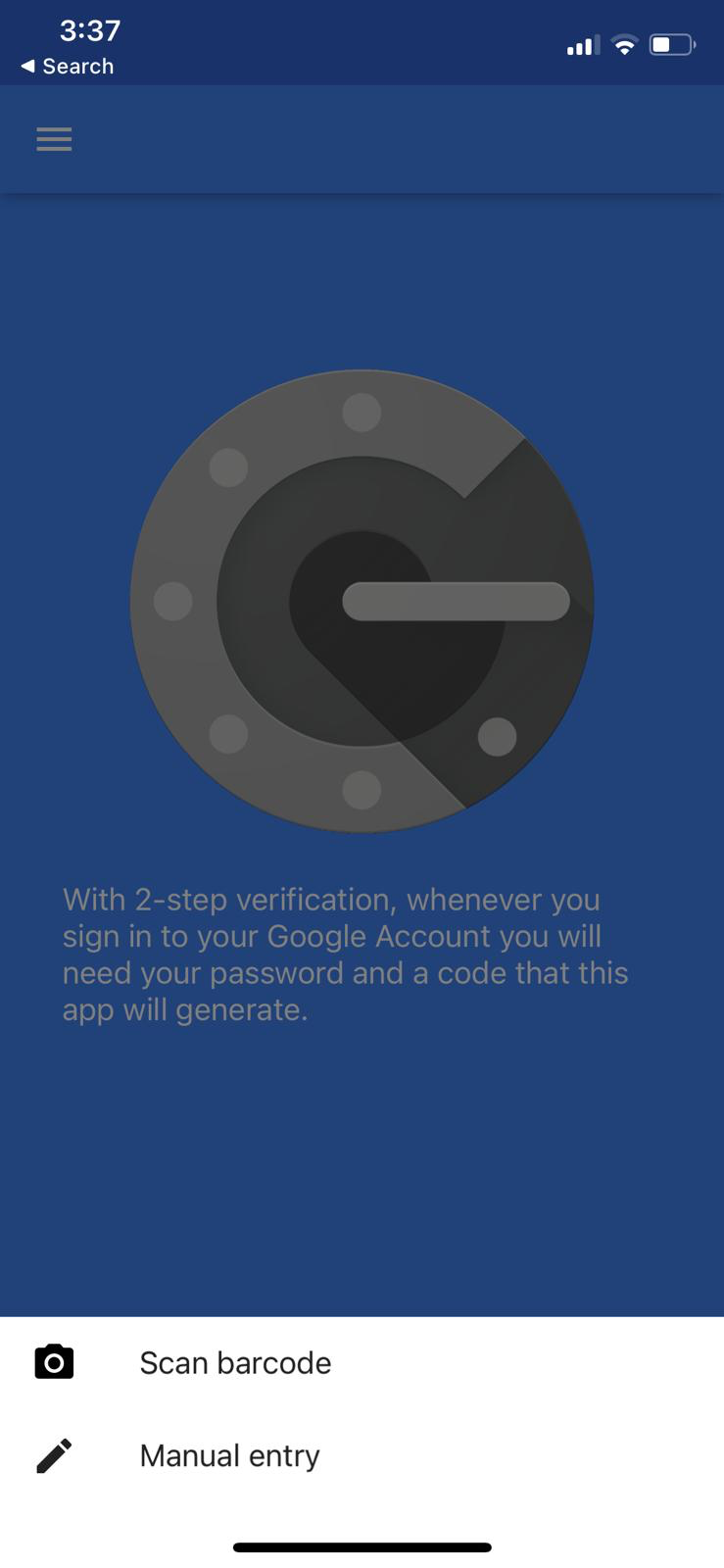
After clicking "Begin Setup", click "Scan Barcode".
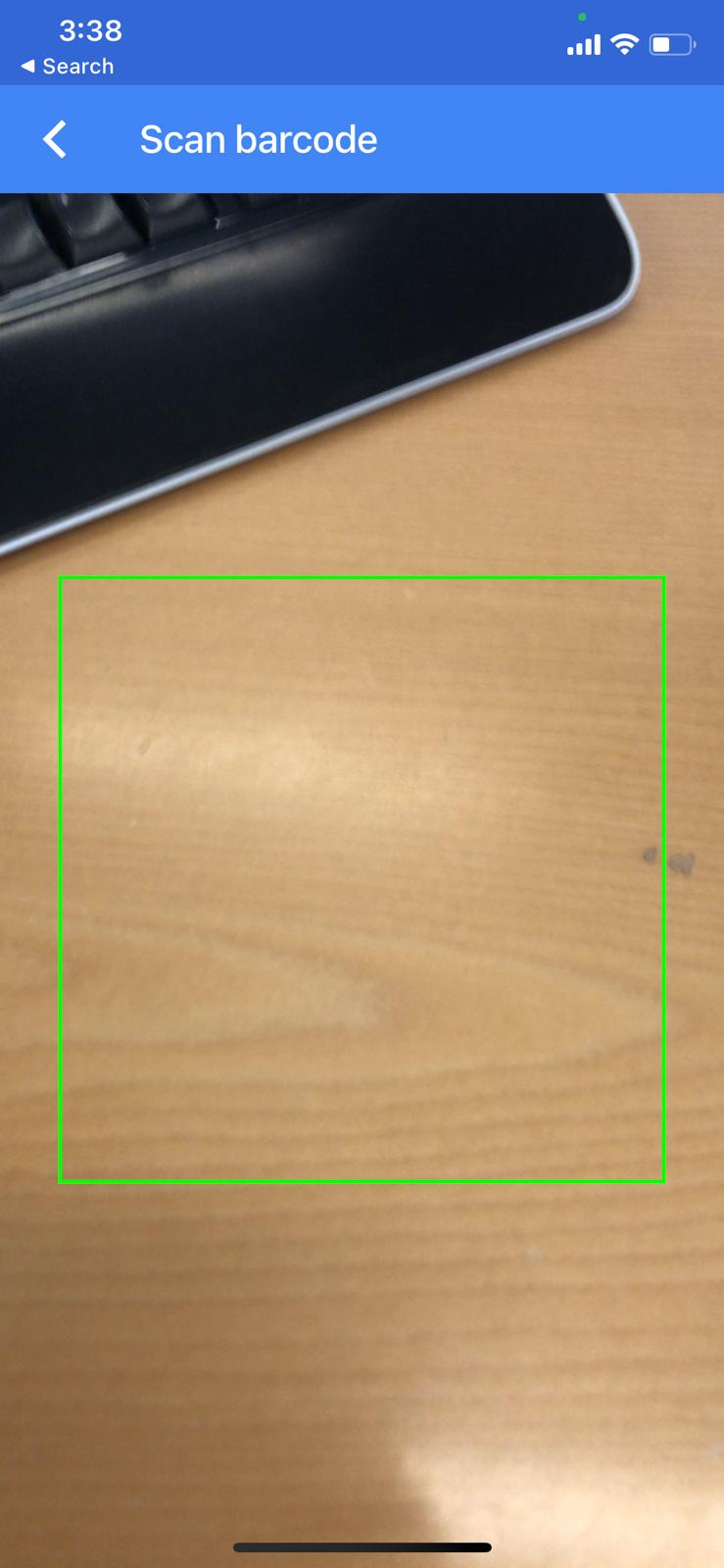
After clicking the "Scan Barcode" button, scan the QR code on the dashboard screen with the barcode reader opened.
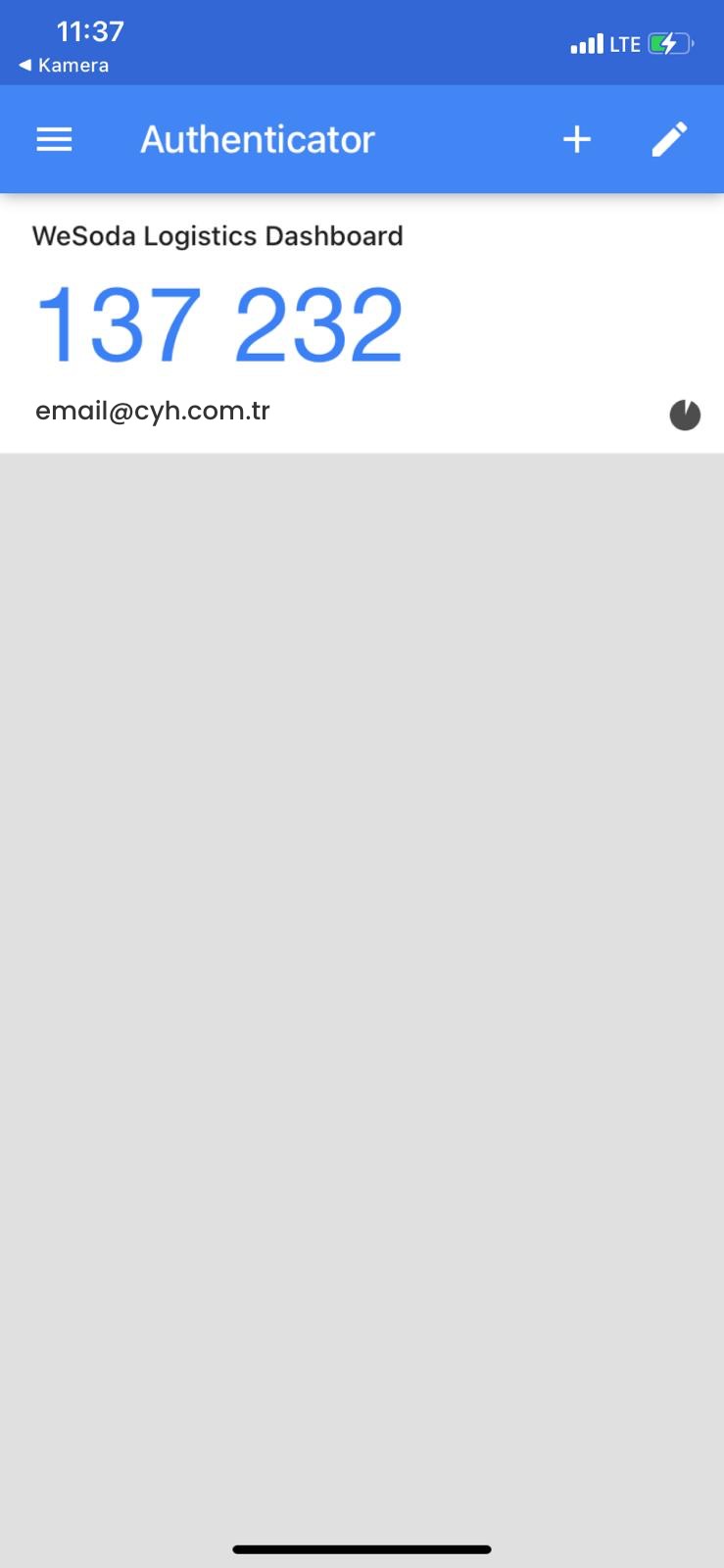
After reading the QR code, write down the 6-digit number in the code field on the dashboard screen.